Logging in to the End-User Portal
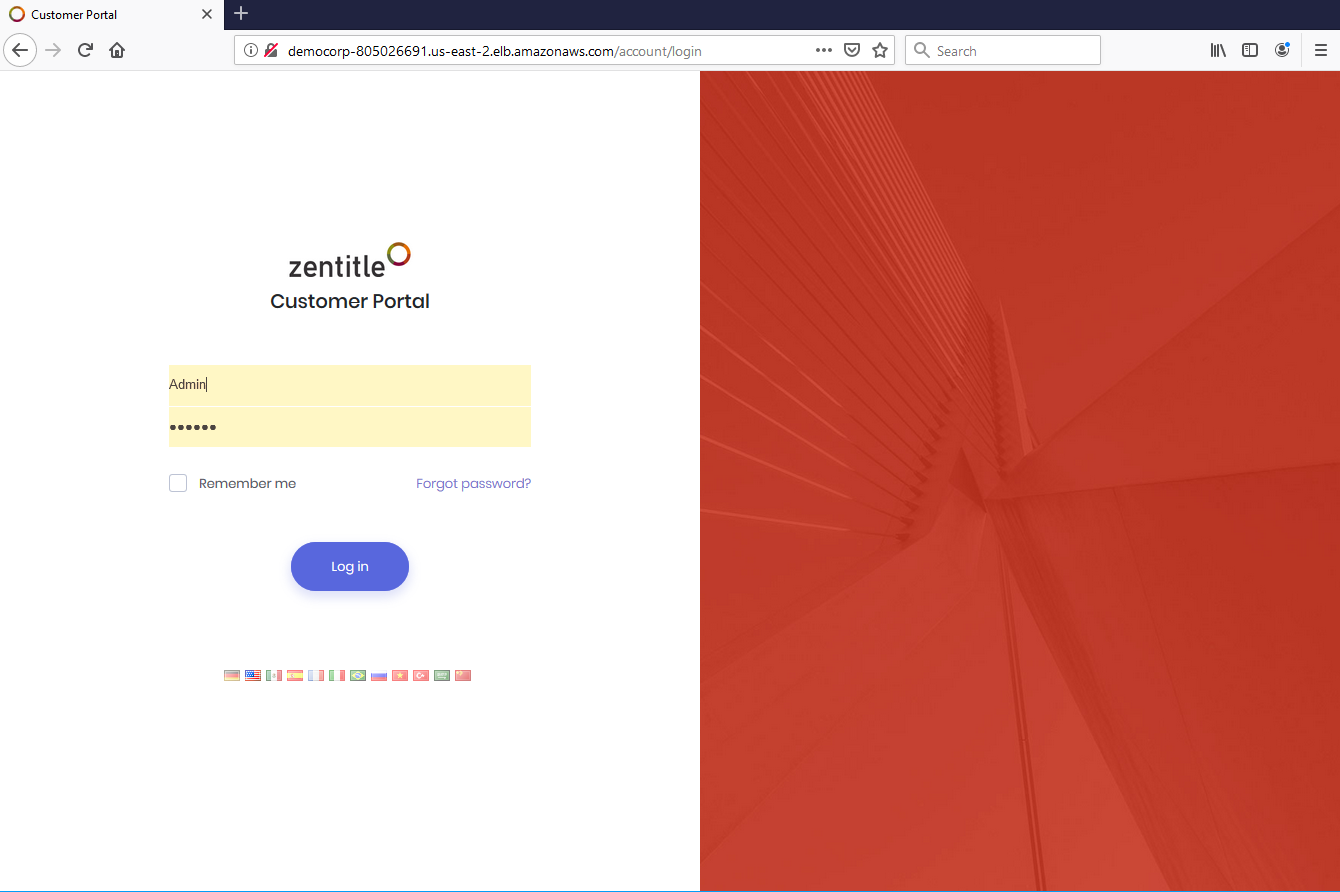
All user types should login at the Zentitle End-User Portal login page. You will be given a URL for this when you sign up. To illustrate, we are logging in here as the Admin user. You can find out more about this user type here.
You will then be presented with the End-User Portal dashboard appropriate to your user type. The functionality common to all user types can be accessed from the title bar at the top of the page.
Title Bar Functions
There are some basic functions that can be accessed from the right of the title bar, shown below:

Clicking your username at the far right (in this case 'admin') will show the following popup:
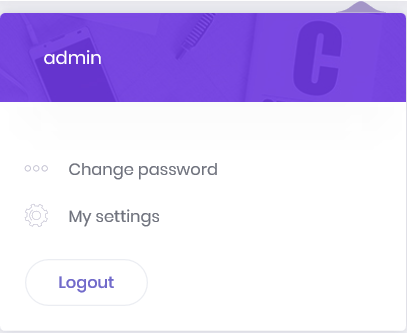
Here you can either change your password or logout. If you click 'Change Password' you will see the following dialog
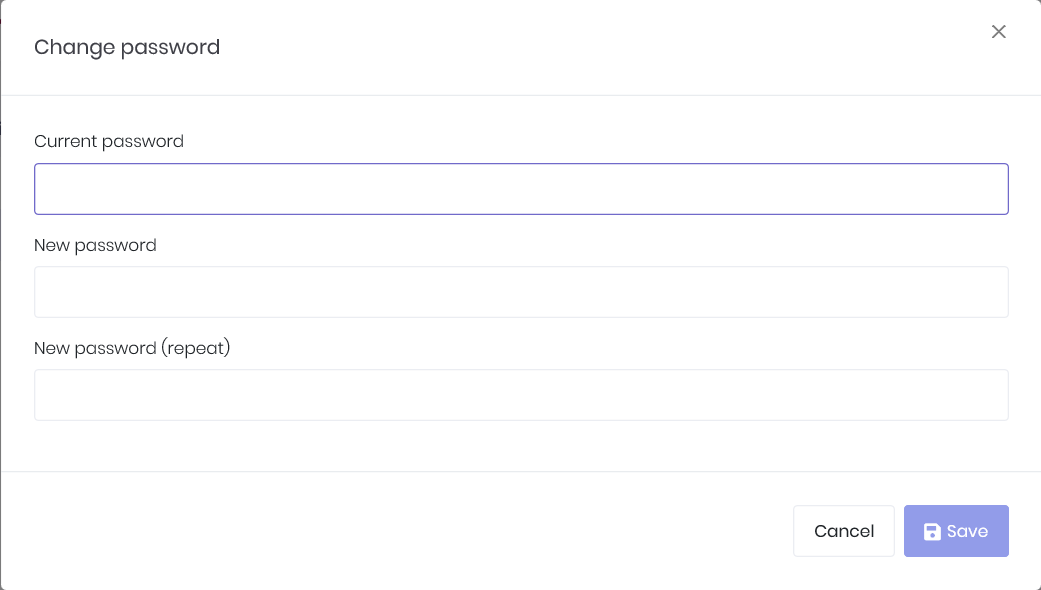
while if you click the 'Logout' button you will be logged out of the portal.
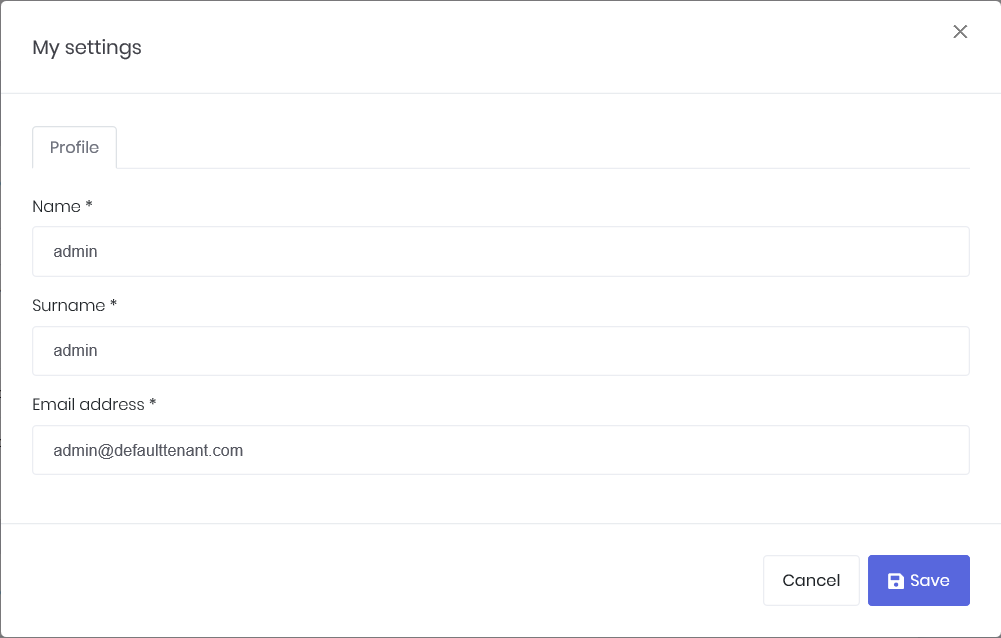
You can also click the 'My Settings' item which will open the following form on which you can edit your account information: