
To find the CustomerID and ProductID:
-
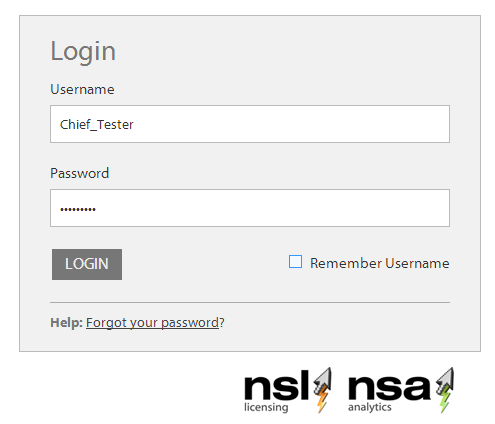
Login to my.nalpeiron.com
-
Switch to NSL if not already, click on the NSL/NSA switch on top right of screen
-
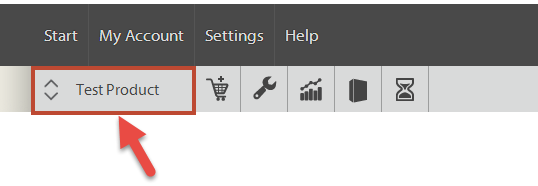
With the "product toolbar" displayed you now edit a product from the list (i.e. the trial product provided or one of the products you have purchased) that requires configuring.
-
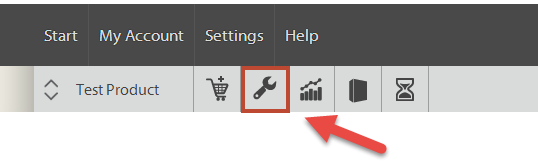
Then, click the "wrench" icon to give you the setup options on your trial product.
-
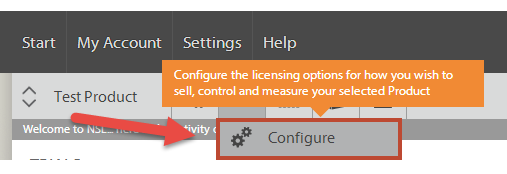
Choose configure
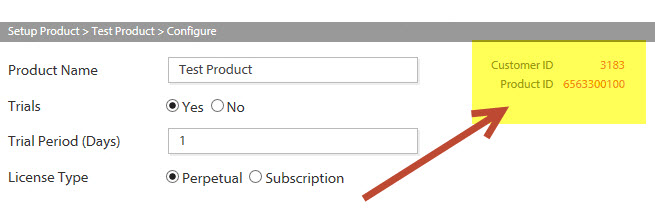
You will then see a screen (as above) with your details for the Product you plan to License and track with NSA and NSL.
-
Note these secret numbers down