
Introduction
Once you have setup your Products within NSA you can generate a unique Nalpeiron library for each one that you are tracking. This .dll/dylib contains the options you made in the first setup step.
This library is very small and will have no real impact on your application in terms of performance or size.
Continue Integration
1If you have logged out, login to my.nalpeiron.com
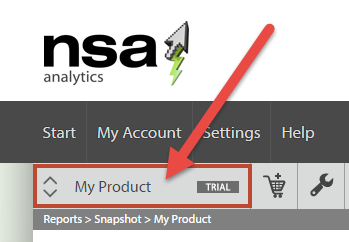
From the product toolbar, choose the product you are using from the list, one at a time.
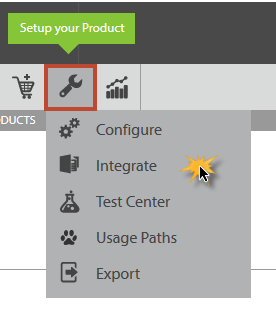
3Next, choose Setup -> Integrate from the pop-up window
4Choose the Operating system required from the radio buttons.
- Next, the choose "Security Constants" to be used within your code to help prevent removal/replacement of the library.
These are three variables that you set when you stamp your DLL. Then when you call CheckLicense(), you pass in a pseudo-random number. CheckLicense() will take that random parameter as well as your authentication constants, and use those to calculate an offset. That offset will be added to the return value from CheckLicense(), so that what it returns will change every time.
- Next, select the library type (x86 or x64).
- Then click the ‘Download file for integration’, and save the downloaded zip file
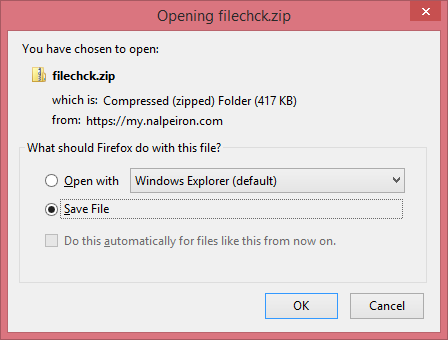
5Extract the ShaferFilechck.dll and place in your applications bin directory